Before guests arrive
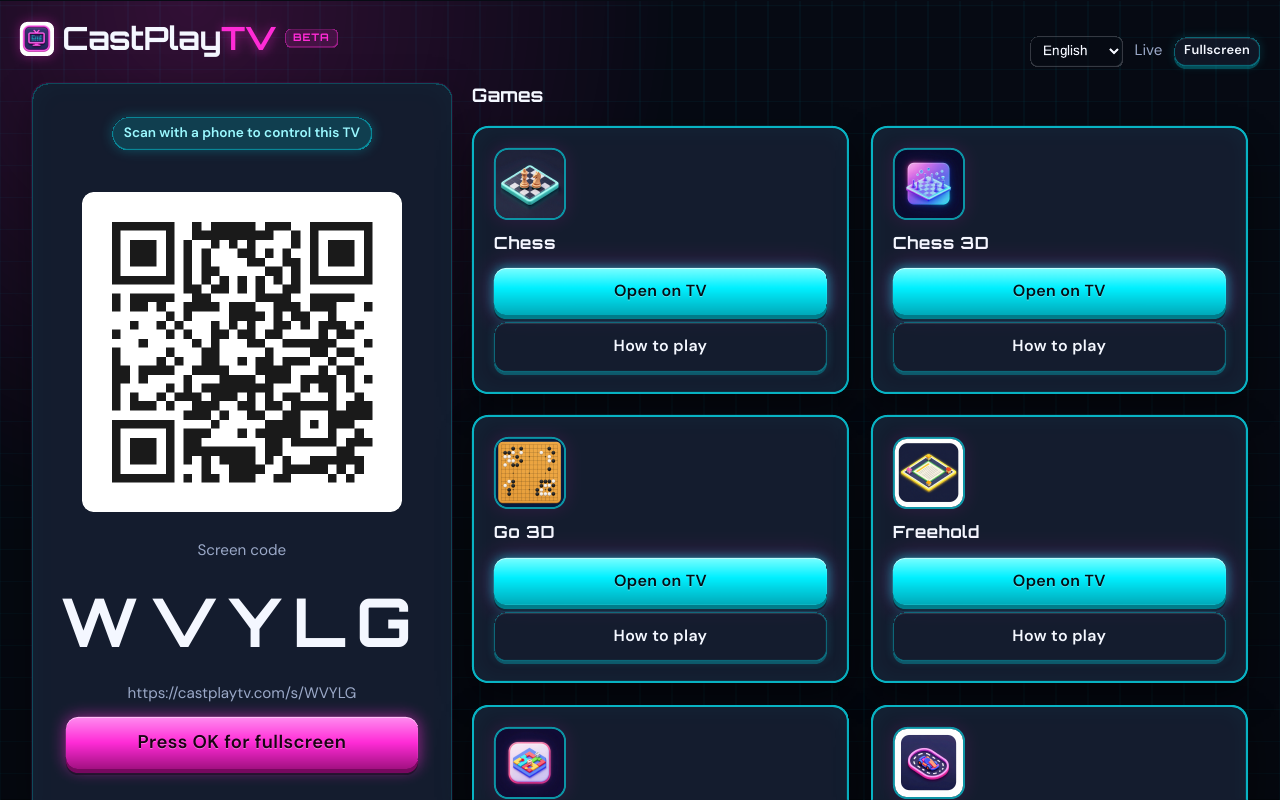
Open castplaytv.com on the display you will use as Main screen and confirm the page loads smoothly. If the TV browser feels sluggish, switch to a laptop on HDMI before people show up — fixing that mid-party kills momentum.
Charge phones or set out a power strip. Controllers are the phones; a dead battery is a forfeit nobody wants. Bookmark castplaytv.com/play on one phone so late arrivals can type the screen code without hunting through search.
Decide a first game that teaches the join flow. Drawing and word games are forgiving. Save long Freehold sessions for after everyone has joined once successfully.
- Main screen device tested on castplaytv.com
- Same Wi‑Fi for TV and phones (or plan for own-screen remote friends)
- Room code written on a sticky note as backup to the QR
- One icebreaker game + one longer closer picked from the catalog
Match games to group size
Player count drives the night more than genre. Two people can settle into Chess or Go 3D. Four to six people thrive on DoodleDash, Cast Dash, or WordGrid. Freehold stretches to eight when you have time.
If the group is mixed ages, avoid games that punish slow readers for the opener. Start with DoodleDash or Racing Cart 3D, then offer a board title for guests who want a longer table.
- 2 players: Chess, Chess 3D, Go 3D
- 2–4: WordGrid, Racing Cart 3D, QuickCraft
- 2–6: Cast Dash
- 2–8: DoodleDash, Freehold
Sample run of show (90–120 minutes)
- Minutes 0–10 — join drill Create a DoodleDash or WordGrid room. Have everyone scan once. Fix Wi‑Fi or camera issues now, not during scoring.
- Minutes 10–40 — party opener Play one short party title. Celebrate loud guesses and keep rounds moving. Spectators can watch the Main screen without taking a seat.
- Minutes 40–50 — stretch and snack End the room cleanly. Let people swap seats. Confirm remote friends still have the code if anyone is on Player with own screen.
- Minutes 50–end — longer closer Start Freehold, Chess, or Cast Dash depending on energy. Agree on a soft end time so the table does not collapse into fatigue.
Host habits that keep the room happy
Keep the QR code large until the last person joins, then hide distractions on the Main screen so the board is the focus. Narrate whose turn it is when the group is chatty.
Do not force one game for the whole night. CastPlayTV rooms are cheap to recreate — switching titles is a feature. If energy drops, swap to a shorter game instead of pushing through.
For remote guests, share the room code in chat and point them to Player with own screen where the game supports it. Same-room players can stay on phone controllers with the TV as Main screen.
DoodleDash
Draw on a phone, guess out loud. Two to eight players, English or Swedish words, 75 seconds a turn.
2–8 players
WordGrid
A 15×15 tile crossword for 2–4. The grid is shared. Each rack stays on that player’s phone.
2–4 players
Cast Dash
A 30-tile party race for 2–6, with power-up cards, trivia, and a five-second tap contest.
2–6 players
Freehold
An independent property-trading game for 2–8 players. The board stays on the TV. Deeds and bids stay on the phones.
2–8 players
RacingCart3D
One to four karts, three laps, phone-tilt steering. No computer drivers — solo is a time trial.
1–4 players
Mid-party troubleshooting (keep it calm)
Someone cannot scan: read the code aloud and use Join on their phone. The same field takes a screen code or a room code, and a screen code tells them they are the TV remote. Someone is on guest Wi‑Fi: move them to the main network. If the TV tab reloads in the same browser, the screen code comes back and the phones are still paired. End the night only when you want that code to close.
Detailed join fixes live in our QR troubleshooting guide. Device-specific browser tips are in the Samsung, LG, and Android TV guides.
FAQ
How long should a first CastPlayTV game night be?
Plan 90–120 minutes with one short opener and one longer closer. Leaving buffer for snacks and join issues beats packing five titles into an hour.
Do guests need accounts?
No. Guests pick a nickname and join with QR or room code.
Can remote friends join the same night?
Yes for titles that support Player with own screen. Share the room code. Same-room players can still use the TV Main screen while remote players use one device each.
More guides
Browse the guides library, or jump to hosting a TV game night, QR join troubleshooting, or Player with own screen.