Free to play · TV, phone & online

CastPlayTV

CastPlayTV is a free social TV party game platform that turns living room Smart TVs into multiplayer hubs using smartphones as wireless controllers. No console, app downloads, or subscriptions are required.

Free multiplayer board games in your browser. Host on a shared screen with phones as controllers, or play online with Player with own screen on your phone, tablet, or computer. No download required.
Join as observer

Enter a room code to watch the shared board on this device. You will not have host controls.

How a game night actually starts

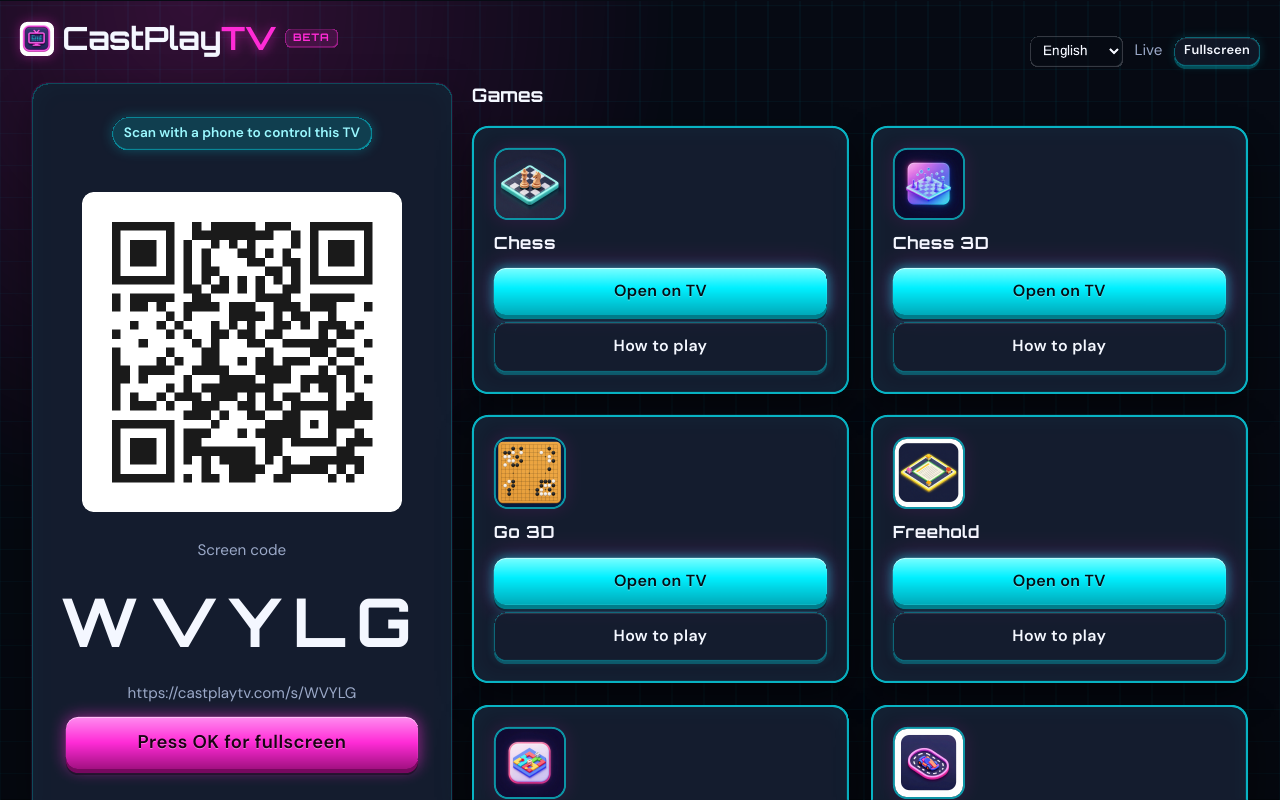
CastPlayTV is a browser table for the screen you already have. One device, usually the television, shows the shared board. Everyone else plays from a phone. There is nothing to install, and nobody needs an account before the first round.

CastPlayTV main screen on a television, with a room code and QR code for phones to join.
Main screen with QR code
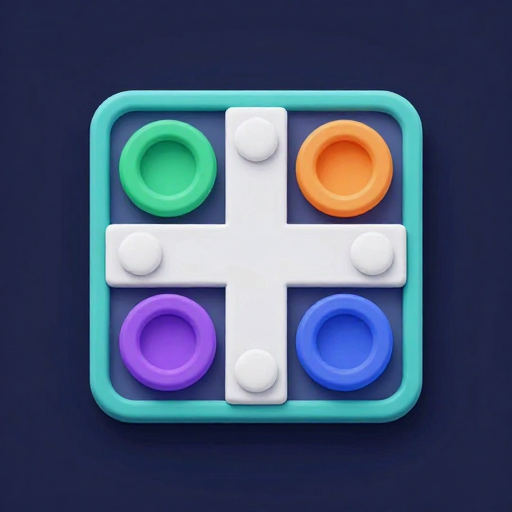
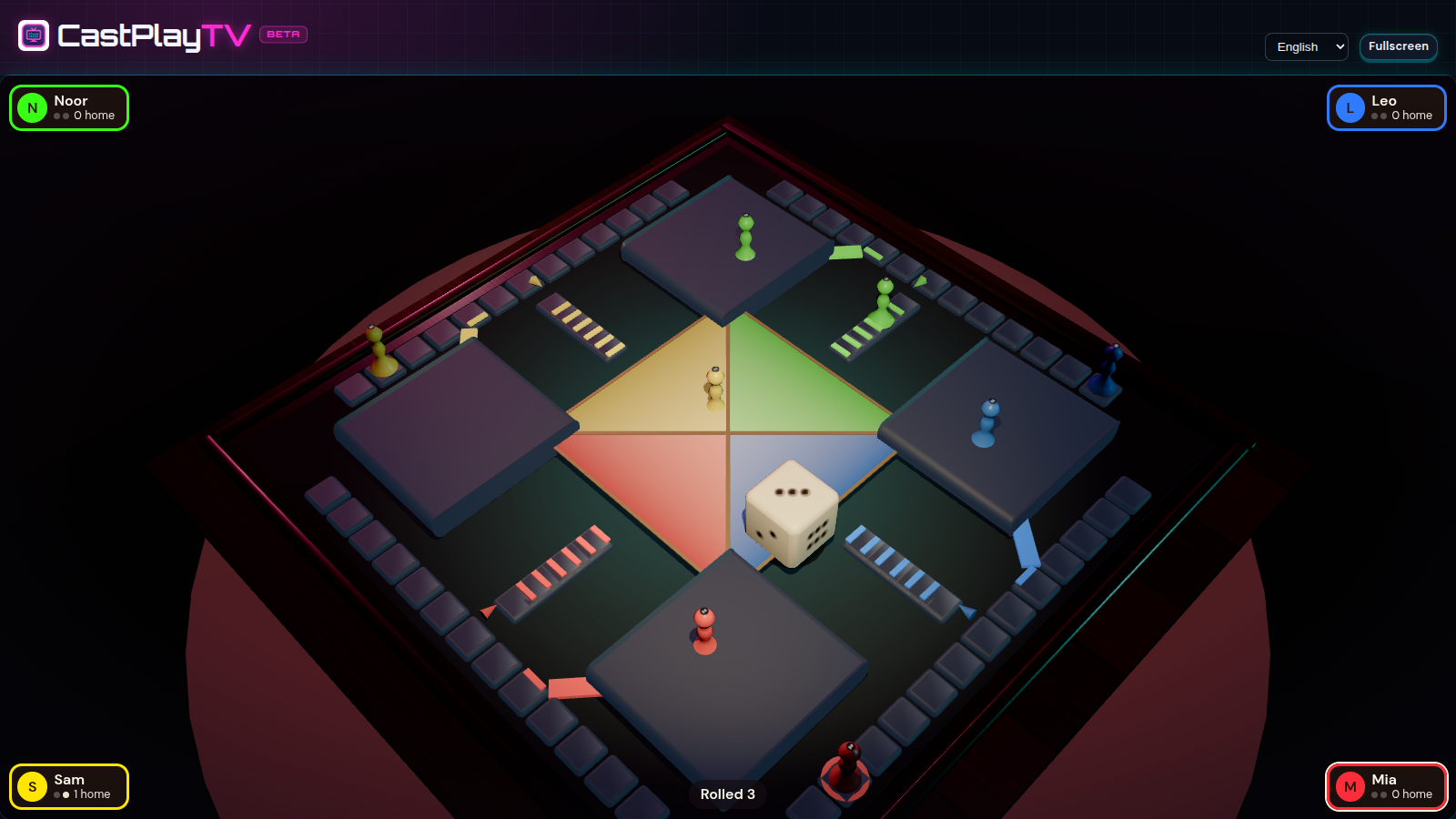
  • Nest Dash on the TV: a cross-shaped 3D board with colored tokens, nests, and a turn banner.
    Nest Dash on the shared screen
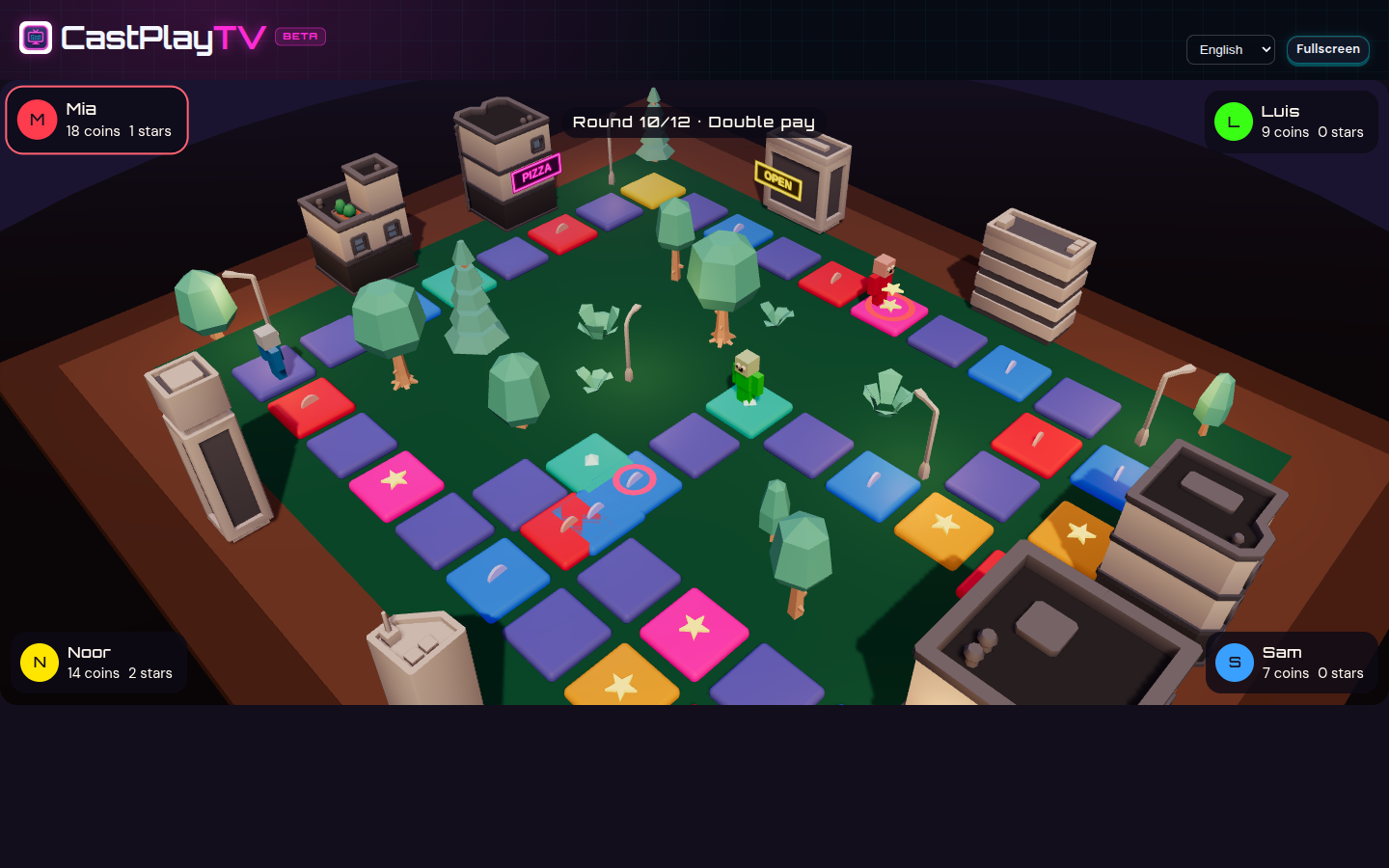
  • Neon Town board on the TV, a glowing city grid with player tokens and a rent banner.
    Neon Town on the shared screen
  1. Open the site on the big screen

    Use the TV browser, or a laptop on an HDMI cable and open the site with the TV view. One code stays on screen for the whole night. Phones scan it once and drive the menu from the couch.

  2. Scan from the couch

    A phone camera is enough. The phone stays paired to the TV for the evening. If a game is open, it takes a seat once it has a name. There is no app and no account. A late arrival scans the same code.

  3. Play on the phone, watch on the TV

    Pick a game that fits the group. Private moves stay on each phone. People who only want to watch can look at the shared board without taking a seat.

Open the site on the television, or on a laptop plugged into the TV if the built-in browser is sluggish. The TV shows one screen code for the night. Friends scan it and that phone stays paired for the evening. If a game is open, the phone gets a seat, or asks for a name first. When that game ends, the phones stay paired. The next game does not need another scan. Letter racks, drawing pads, and steering stay on the phone. The television shows the part the whole room is meant to see.

When friends are in other cities, send the room code in a chat. Several titles can put the board and the controls on a single phone, tablet, or computer, so a remote player does not have to keep a television and a second device in sync. Same-room nights still work best with one shared screen and phones as controllers. If a scan fails, it is usually guest Wi-Fi that hides devices from each other. Move the phones onto the same network as the TV, or type the code by hand. Read the remote-play guide.

A few things that matter on the night

Charge the phones, or leave a cable where people sit. The phones are the controllers, and a dead battery ends a turn faster than a bad roll. If the television browser stutters, switch the shared screen to a laptop before guests arrive rather than debugging it between rounds. Bookmark the site on one phone so a late arrival can type a code without hunting through search. Start with a short game, drawing or a race, so everyone practices joining before you commit to a long board. Agree who is allowed to open a new room. Recreating a table in the middle of a match is the fastest way to lose the group.

Games you can start tonight

Twelve games run in the browser, and they are not variations of one party template. A pair of them are quiet boards for two players. Others are races, a night-town board, a drawing game, a word grid, a shared block world, and a property game that can fill a whole evening. Each card links to a longer how-to: who can play, what you need in the room, and how a turn actually goes.

  • Nest Dash

    A race around a cross-shaped board with colored nests and tokens. Roll a six to leave home, send a rival back, and get both tokens in first. Two to four players. Easy to explain to kids and grandparents in the same breath.

    2–4 players

    How to play
  • Neon Town

    A night-town board for two to four. Roll along the neon loop, buy a star when you pass it, and play a short phone game after each round. Most stars after the rounds wins. Coins settle a tie.

    2–4 players

    How to play
  • Freehold

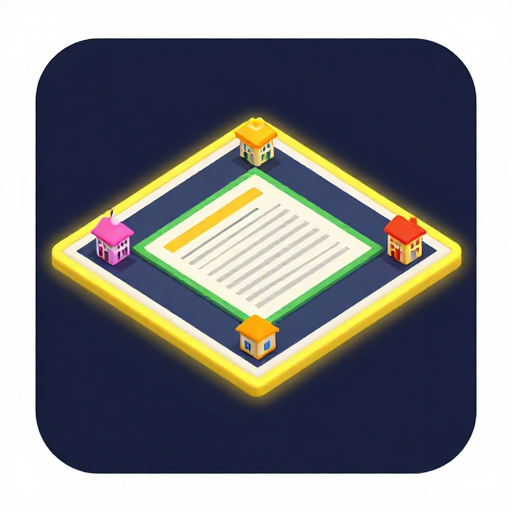
    Roll, buy streets, argue about trades, and try not to go broke. Two to eight people can join. The board stays on the shared screen. Cash, bids, and offers stay on each phone, so the television does not fill up with menus. Plan for a longer night than the drawing game.

    2–8 players

    How to play
  • DoodleDash

    One person draws, everyone else guesses out loud. The canvas is on the big screen. The pad and the guess box are on phones. Mixed ages work, and a clumsy drawing is part of the joke rather than a failure.

    2–8 players

    How to play
  • Cast Dash

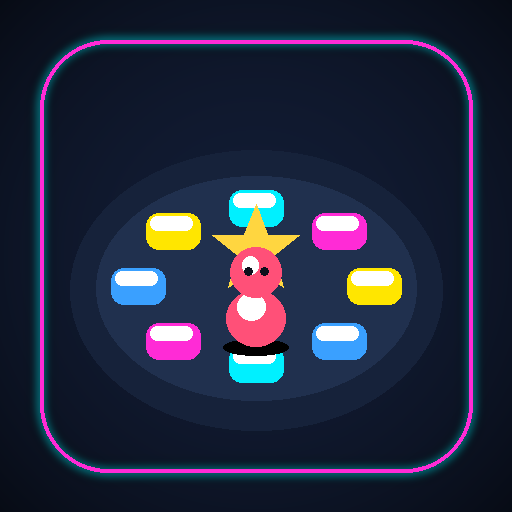
    A short race along a glowing path of tiles. Roll, spend a power-up, and sometimes the whole room gets pulled into a trivia question or a frantic tap race. Made for two to six people who want noise more than a rules lecture.

    2–6 players

    How to play
  • RacingCart3D

    Up to four karts on a three-dimensional track. Tilt the phone to steer. The television shows the race, so you do not need a gamepad or a console account. A useful break between slower board games.

    1–4 players

    How to play
  • HoverCart3D

    Racing again, but the cars float. Phone tilt still steers, the television still shows the pack, and the tracks feel different enough that a group will ask for one more race. One to four players.

    1–4 players

    How to play
  • Chess 3D

    The same match, with pieces sitting on a small three-dimensional table. It reads more like a set in the living room than a flat diagram, which helps when the TV is across the room. Still two players. Everyone else just watches the pieces move.

    2 players

    How to play
  • Go 3D

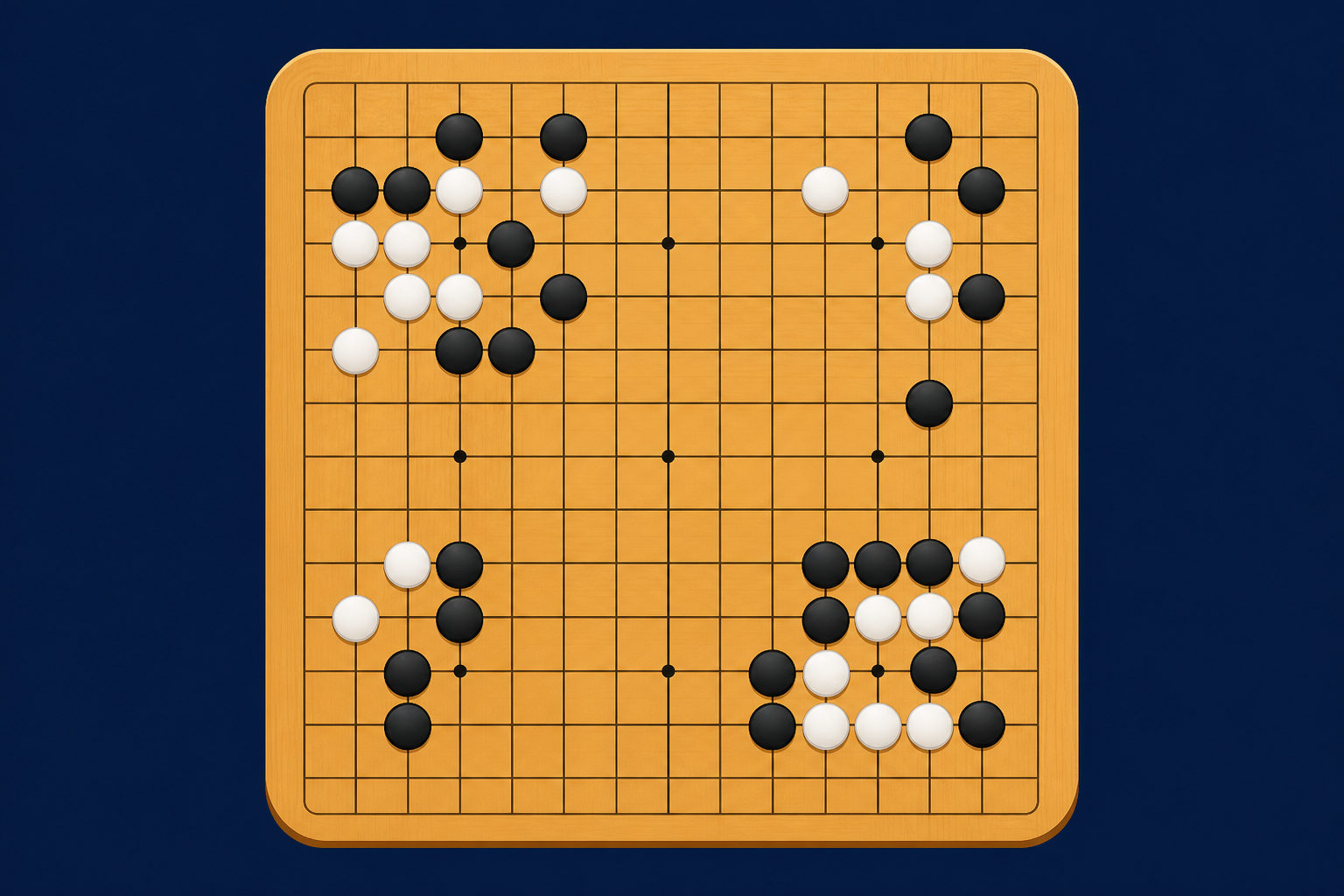
    Stones on a three-dimensional board, from a short 9×9 up to a full 19×19. Black plays first, groups come off the board when they run out of liberties, and the match ends after both players pass. Quieter than the party titles, and a good fit when two people want a long think.

    2 players

    How to play
  • WordGrid

    A tile word game for two to four. Your letters stay on your phone so nobody can peek, and the shared grid fills in on the TV. It lands well after dinner, when people still want to be a little clever.

    2–4 players

    How to play
  • QuickCraft

    A shared world of blocks. Break, place, and wander together, with the view on the TV and the hands on each phone, or with the world on your own device if you are not sharing a couch. A building mode for making things, and a lighter survival mode if you want a little pressure.

    1–4 players

    How to play
  • Chess

    Two players, one board on the television, moves from each phone. White starts, the pieces behave the way you already know, and the rest of the room can follow the position without squinting at a handset. A calm first game when someone is teaching.

    2 players

    How to play

Browse every game

Guides worth reading before guests arrive

These notes live in the guides library. They cover television browsers that misbehave, an order of games that keeps a night moving, and what to try when a phone will not join. They are written for the person holding the TV remote, not as filler.

All guides

Questions people ask before the first room

Do players need to install anything?

No. The television and every phone open CastPlayTV in a normal web browser.

Guests scan the code or type it. There is no app-store step, and nobody has to create an account before sitting down.

Do we all need the same Wi-Fi?

Same-room play is steadier when the television and the phones share a network.

Guest Wi-Fi that isolates devices is the usual reason a scan fails. Move the phones onto the main network, or type the code under the QR. The same box accepts a screen code or a room code. Friends elsewhere can still join over the internet with a room code.

What if the TV browser feels slow?

Host from a laptop and send the picture to the television with an HDMI cable.

Phones join the same room either way. Older built-in browsers are the usual weak point, not the phones in people’s hands.

Can someone join from another city?

Yes. Send the room code. They do not have to be on your Wi-Fi.

On several titles the board and the controls can live together on one phone, tablet, or computer, so a remote friend is not stuck mirroring a television. The remote-play guide lists which games support that.

Is it actually free to start a room?

You can open a room and play without paying or creating an account.

Bring the screen you already own and the phones already in the room. That is the whole requirement.

Do we scan again for the next game?

No. Phones stay paired to the TV when a game ends.

From a paired phone, go back to the screen menu and open the next game. Names are remembered. End the night only when you are actually done, and that is when the screen code closes.

Who makes this, and why

CastPlayTV is a small project for living rooms and for friends who cannot share a couch. Game night usually stalls on setup: which input the television is on, who has an account, whether everyone downloaded the same thing. We would rather you open a browser, show a code, and start. The About page has a longer note on who it is for and how the free service is run.

About CastPlayTV