
Why a shared TV board helps
Beginners learn faster when grandparents can point at the TV. Spectators follow tactics without craning over a phone. The Main screen is the classroom; phones are the hands moving pieces.
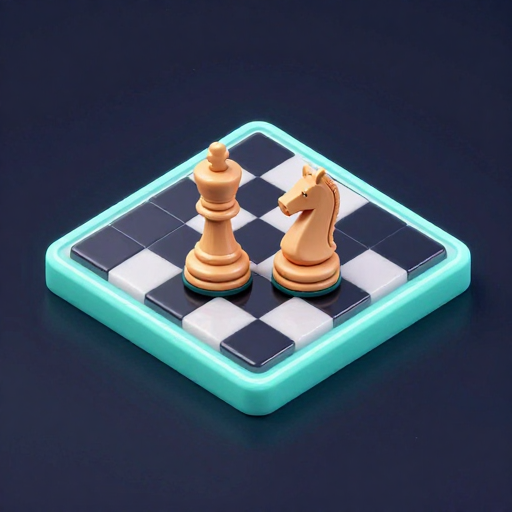
Chess 3D offers the same rules with a more physical table presence if you want the set to feel centerpiece-like.
Set up a living-room match
- Host on Main screen Open castplaytv.com on the TV or HDMI laptop, choose Main screen, and create a Chess or Chess 3D room.
- Two players join Each player scans the QR from a phone, picks a nickname, and takes turns. Others watch the TV without taking a seat.
- Play standard rules White moves first; checkmate, stalemate, or resign ends the game. Keep teaching comments friendly — the shared display invites coaching.
Chess
Two players and a shared board. Standard chess rules, colors shuffled when the game starts.
2 players

Teaching tips on a big screen
Start with piece movement drills before full games. Narrate threats out loud while pointing at the TV. Sit beside beginners rather than opposite when anxiety is high — the screen is shared either way.
Avoid blitz time pressure on lesson nights. CastPlayTV chess nights work best as casual matches after dinner, not tournament simulcasts.
- Agree whether takebacks are allowed for learners
- Rotate colors between games
- Try Chess 3D if the 2D board feels too “app-like” for your crowd
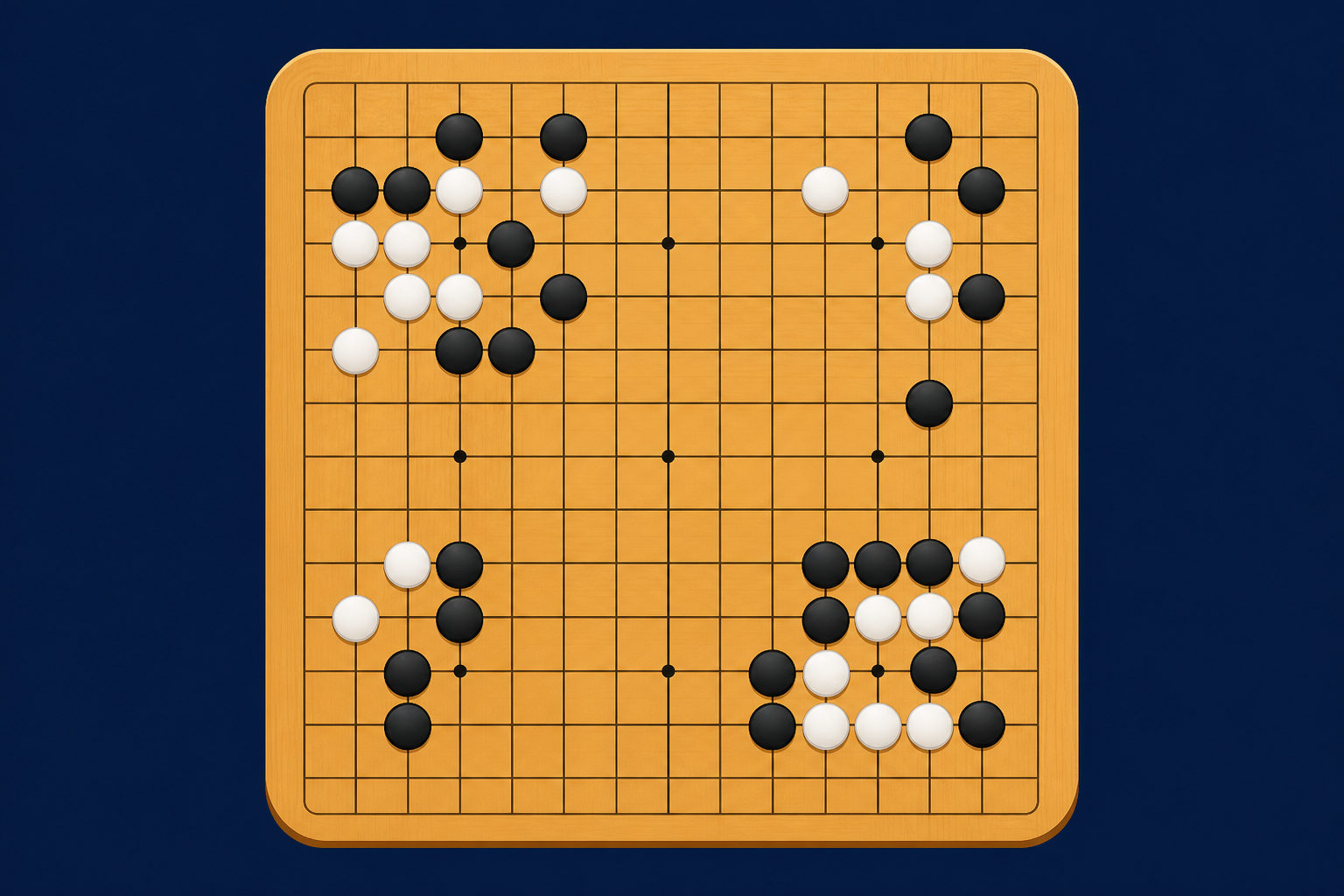
- Offer Go 3D on another night for a different abstract game
Remote chess without a TV
Choose Player with own screen so each player sees the board on their device. Share the room code over chat. This is ideal for two-player evenings across cities.
Voice or video calls replace over-the-board chatter. Keep them optional for focus games.
FAQ
How many players can play CastPlayTV Chess?
Exactly two players move pieces; others can watch the Main screen.
Is Chess free?
Yes. Free to play in the browser with no paid account required to start a room.
Chess or Chess 3D?
Same rules and player count — Chess 3D renders a 3D table view on the Main screen for a more immersive shared look.
More guides
Browse the guides library, or jump to hosting a TV game night, QR join troubleshooting, or Player with own screen.